

New to digital scrapbooking? Start with our beginner’s guide to choosing a story and arranging a page.
A template gives your photos a starting layout. Choose a look, replace its photos and make the details your own.
1. Choose a template
Browse the available templates and pick a layout that suits your photos. The examples above show different directions you might explore; your available selection and final page may differ.
2. Add your photos
Replace the template photos with your own. Adjust their crop and placement to focus on the moments you want to keep.
3. Make the details yours
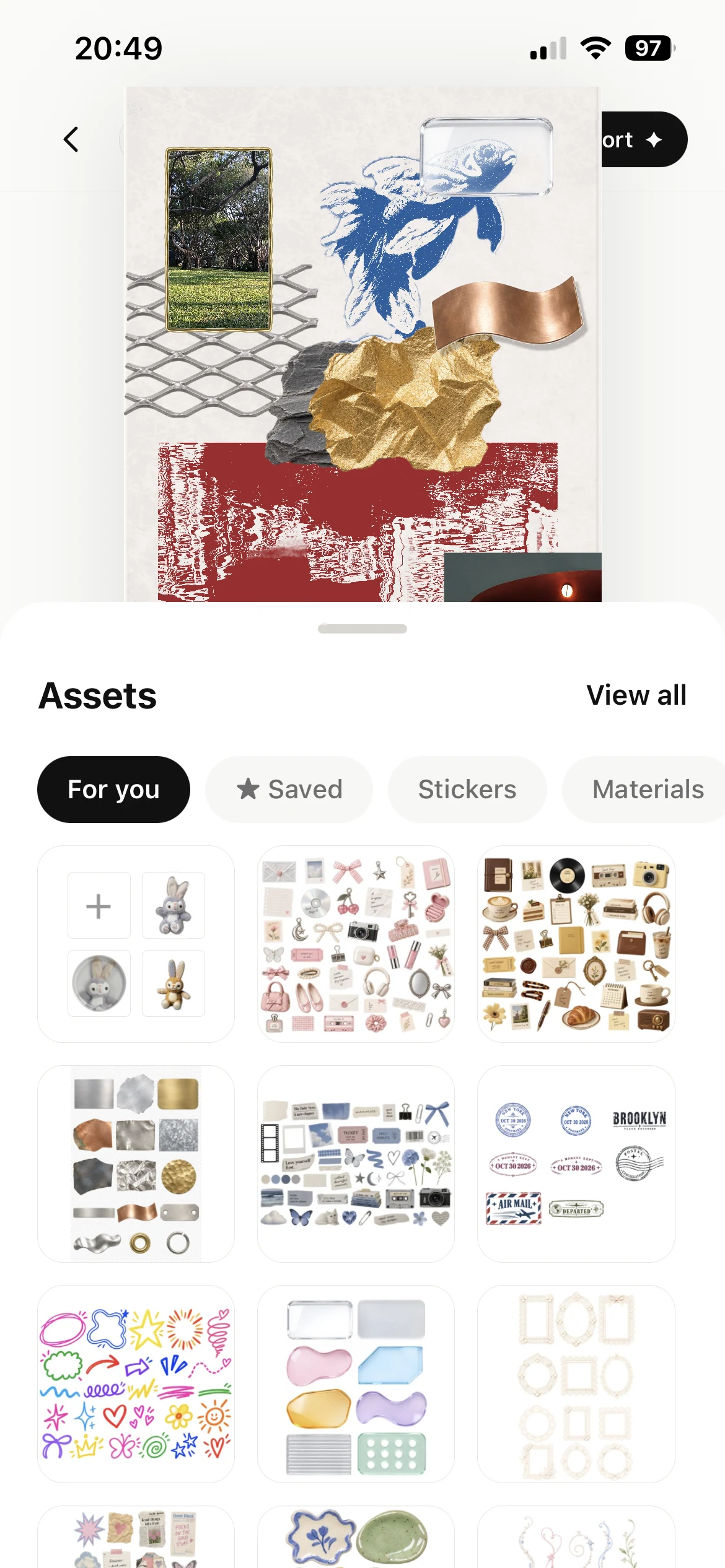
Change the text and rearrange elements as you like. Explore Assets for paper, frames, stickers or other materials that complement your photos.
4. Export your page
Export a finished image to save or share. Standard watermark-free export is available for free. Premium content generally requires active Premium to export; fixed Premium items bundled in an original free template can be exported with that template. Separately added or copied Premium items require a subscription.
Editable projects stay on your device; cloud backup and cross-device syncing are not currently supported.