
MIXMADE GUIDES
Photo collage & sticker guides.
Learn how to make photo collages and personal stickers on iPhone. Follow illustrated MixMade guides to choosing materials, arranging layers and exploring AI creative styles.
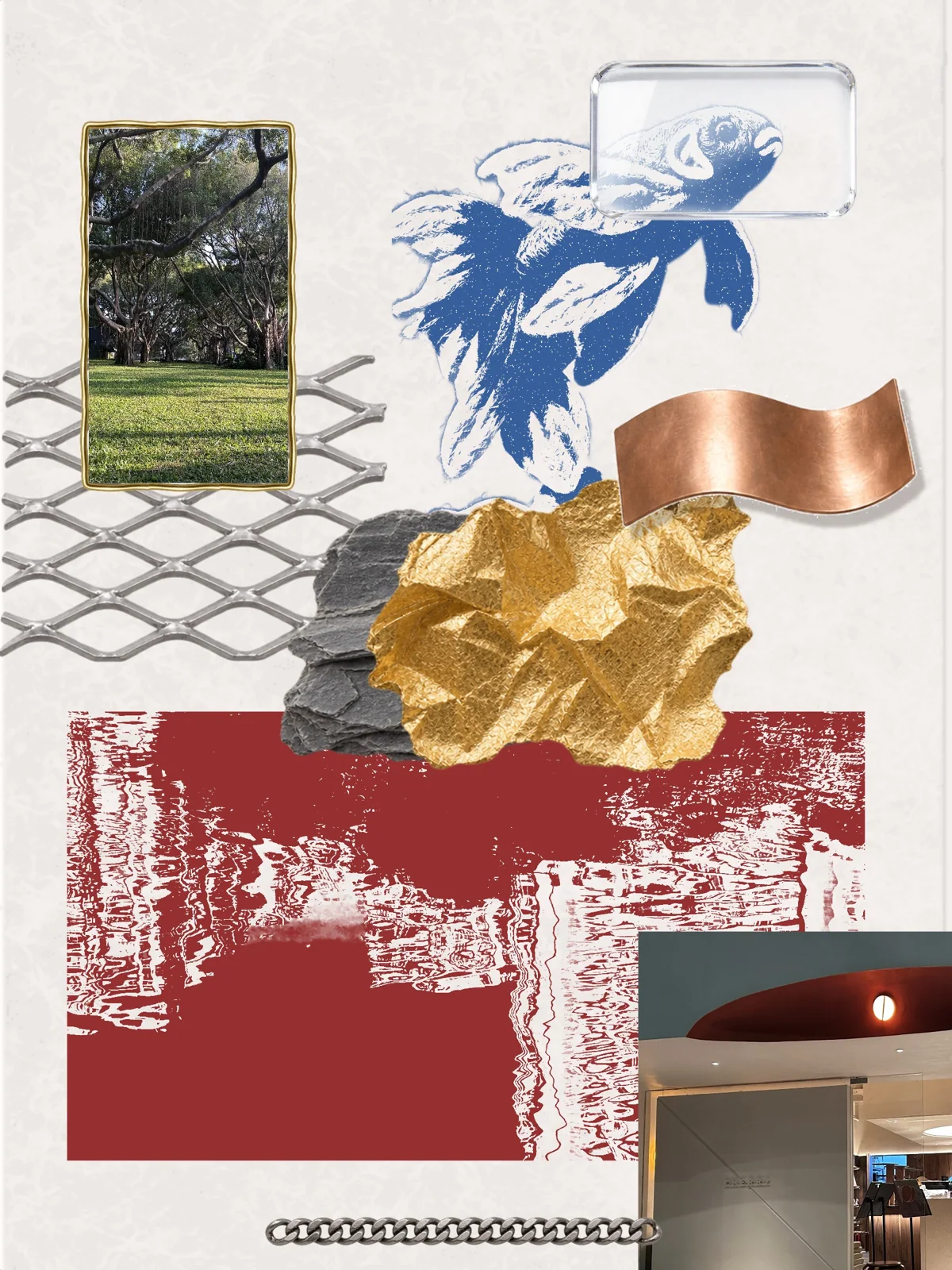 COLLAGE & MATERIALS
Make a textured photo collage
Layer photos, materials and small details into a visual composition.
Read the guide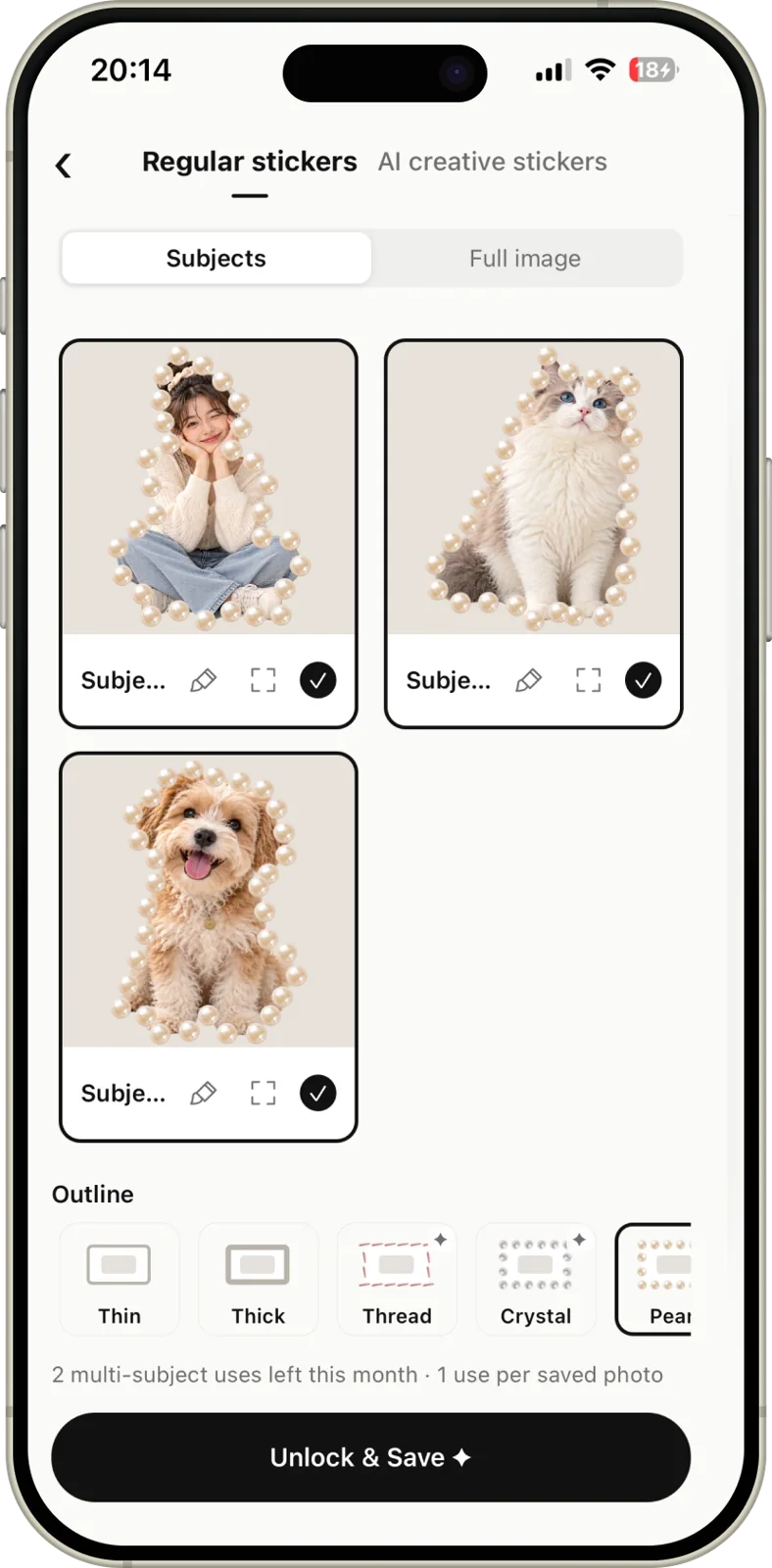 PHOTO STICKERS
Make photo stickers and AI-style materials
Extract a subject or explore an AI style, then save and reuse your materials.
Read the guide TEMPLATES & SCRAPBOOK
Make a scrapbook page from a template
Start a scrapbook page on iPhone with a MixMade template. Replace photos, adjust details, add textured materials and export your design.
Read the guide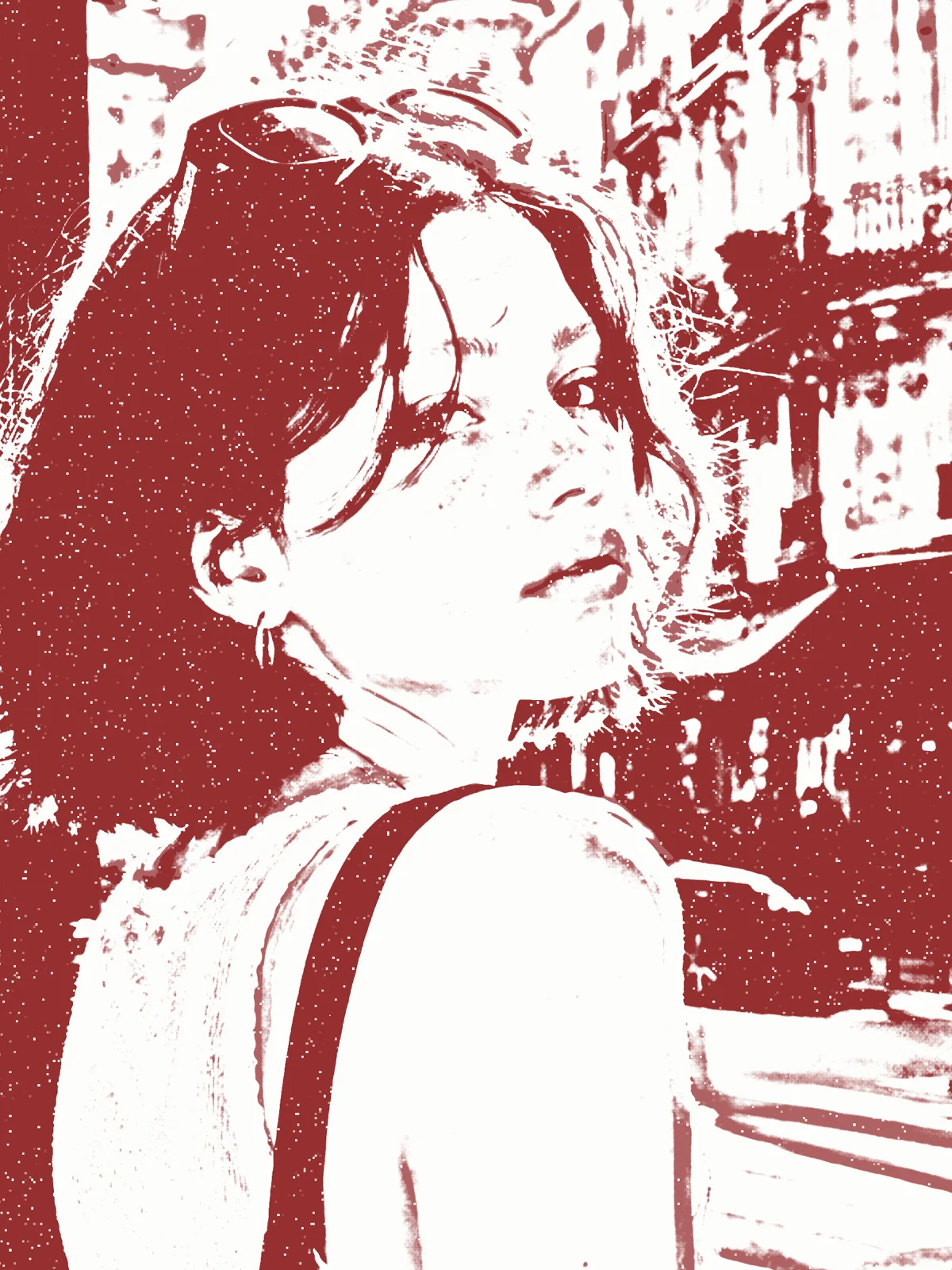 PHOTO STAMPS
Turn a photo into a stamp
Turn a photo into a personal stamp in MixMade. Preview ink colors and print textures, and learn when Premium is required to save.
Read the guide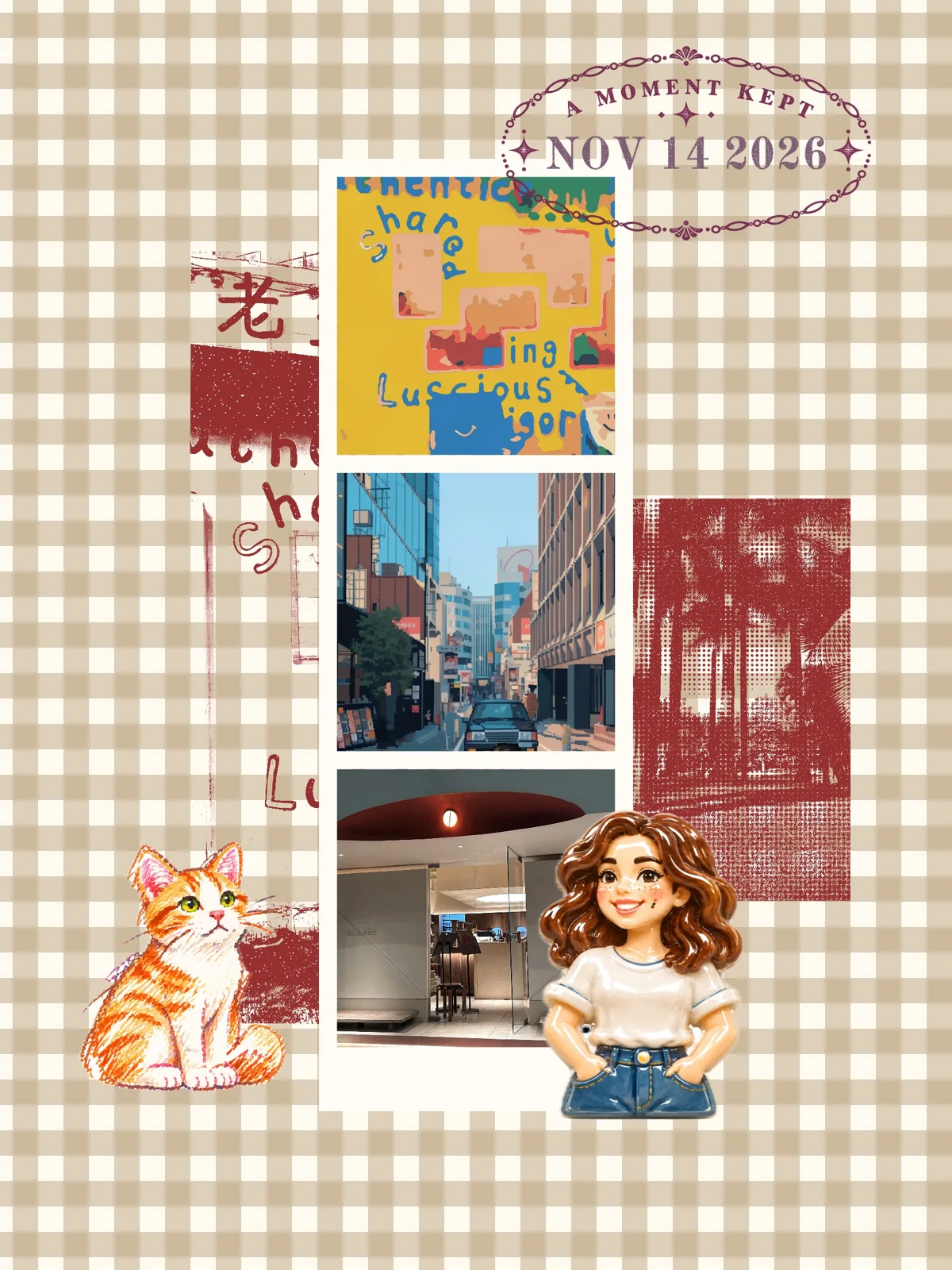 DIGITAL SCRAPBOOKING
Digital scrapbook for beginners
Choose a story, layer photos and materials, and create your first scrapbook page.
Read the guide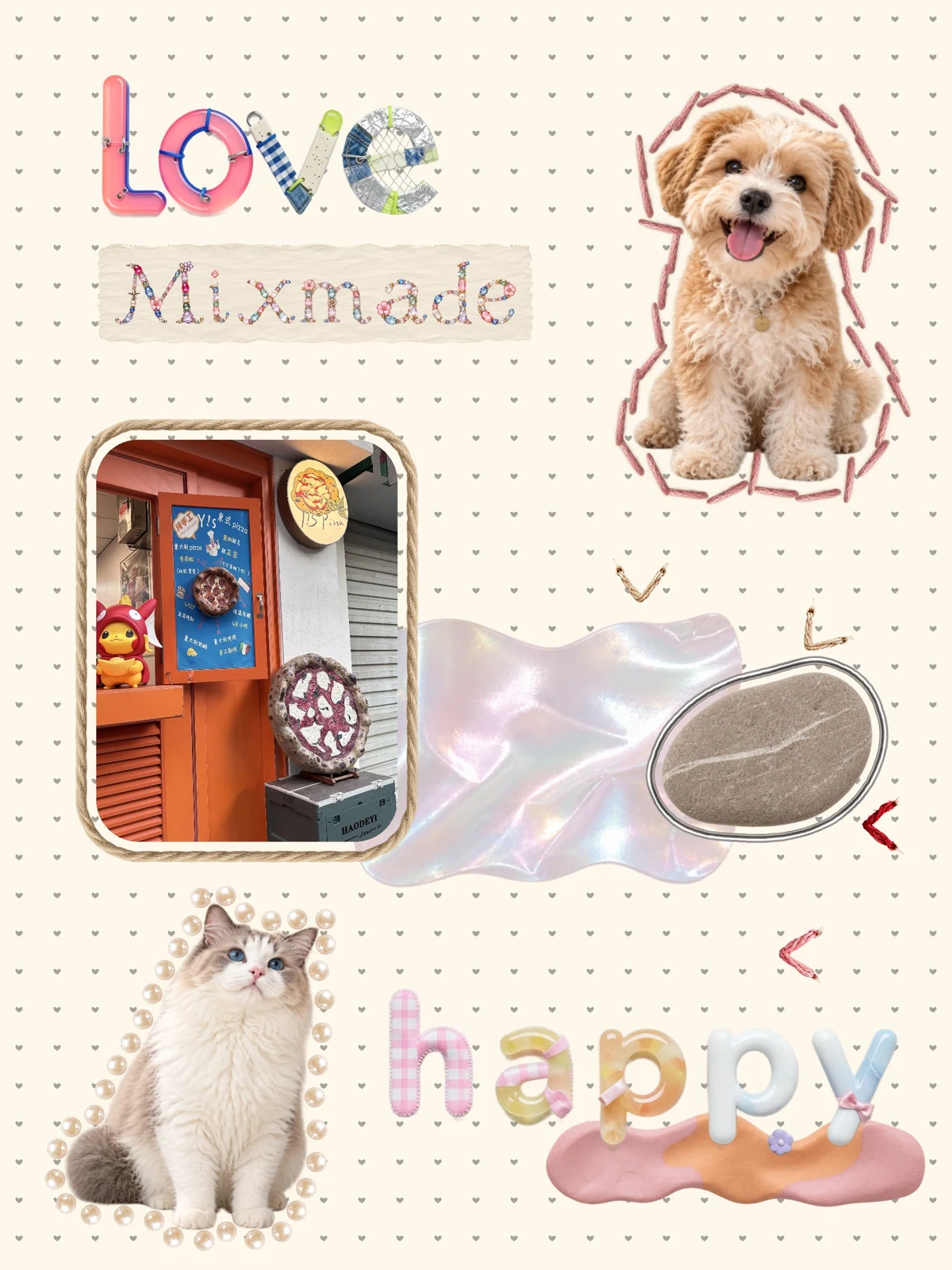 MOODBOARDS & INSPIRATION
How to make a moodboard on iPhone
Gather photos, choose a color direction and arrange textures into a visual idea.
Read the guide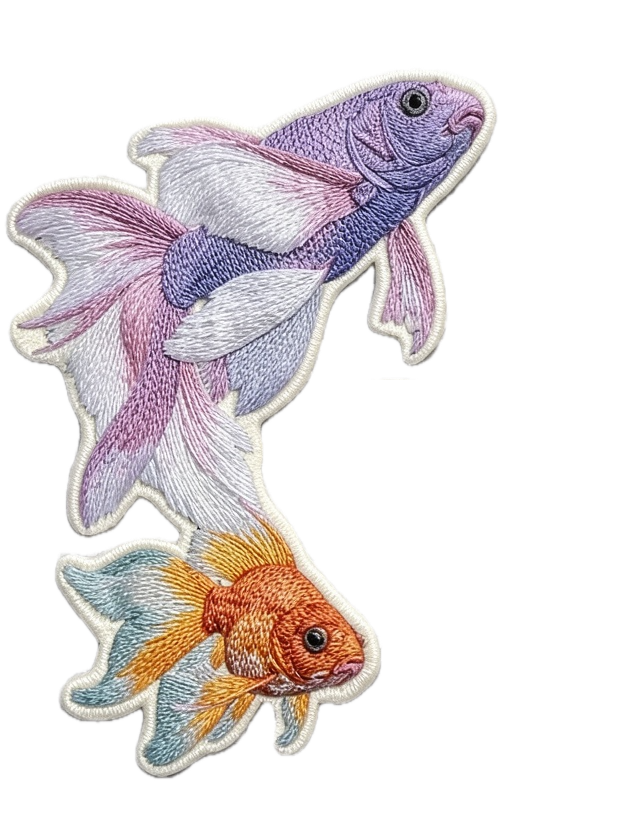 AI IMAGE STYLES
How to create an embroidery-style photo
Explore the Embroidery AI style, review credits and reuse your result.
Read the guide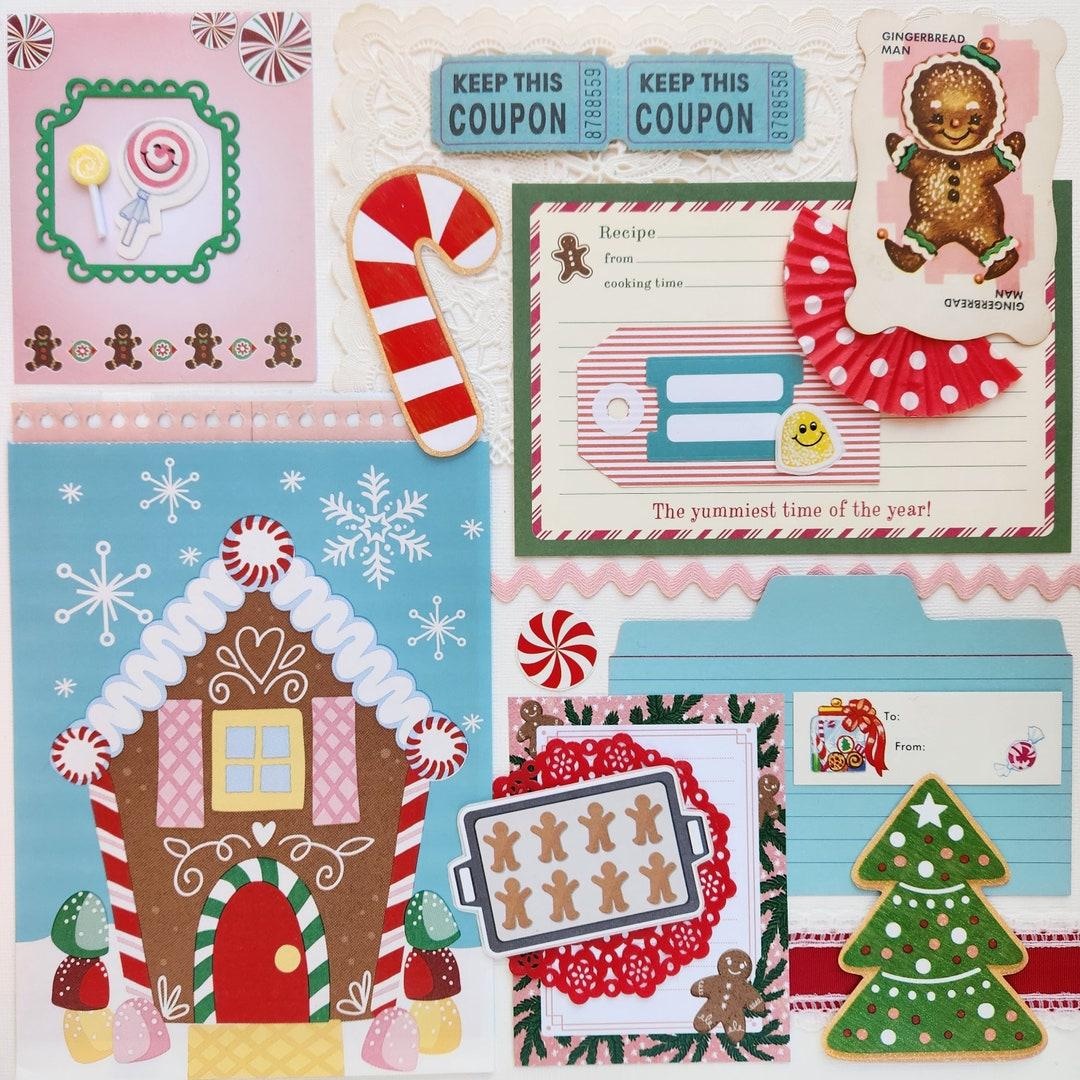 HOLIDAY INSPIRATION
Christmas scrapbook ideas you can make on iPhone
Nine ways to turn holiday photos and little moments into a personal scrapbook page.
Read the guide